Engineering · Chapter 4 of 16·3 min read
The AI Needed Its Own Hands
Giving Nia control of a real screen sounded simple: move the mouse, click, type. The first real attempt hijacked your actual pointer. The fix after that broke your keyboard. Here's what we had to tear out and rebuild.
Listen to this story
Giving an AI a mouse is not the obvious thing you'd think
Computer control — letting Nia actually operate a desktop, not just describe how to — started in earnest on June 23rd: desktop automation tools, and a first pass at using accessibility APIs instead of blindly simulating input. It sounded like the straightforward part of the whole project. It was not.
It moved your actual mouse
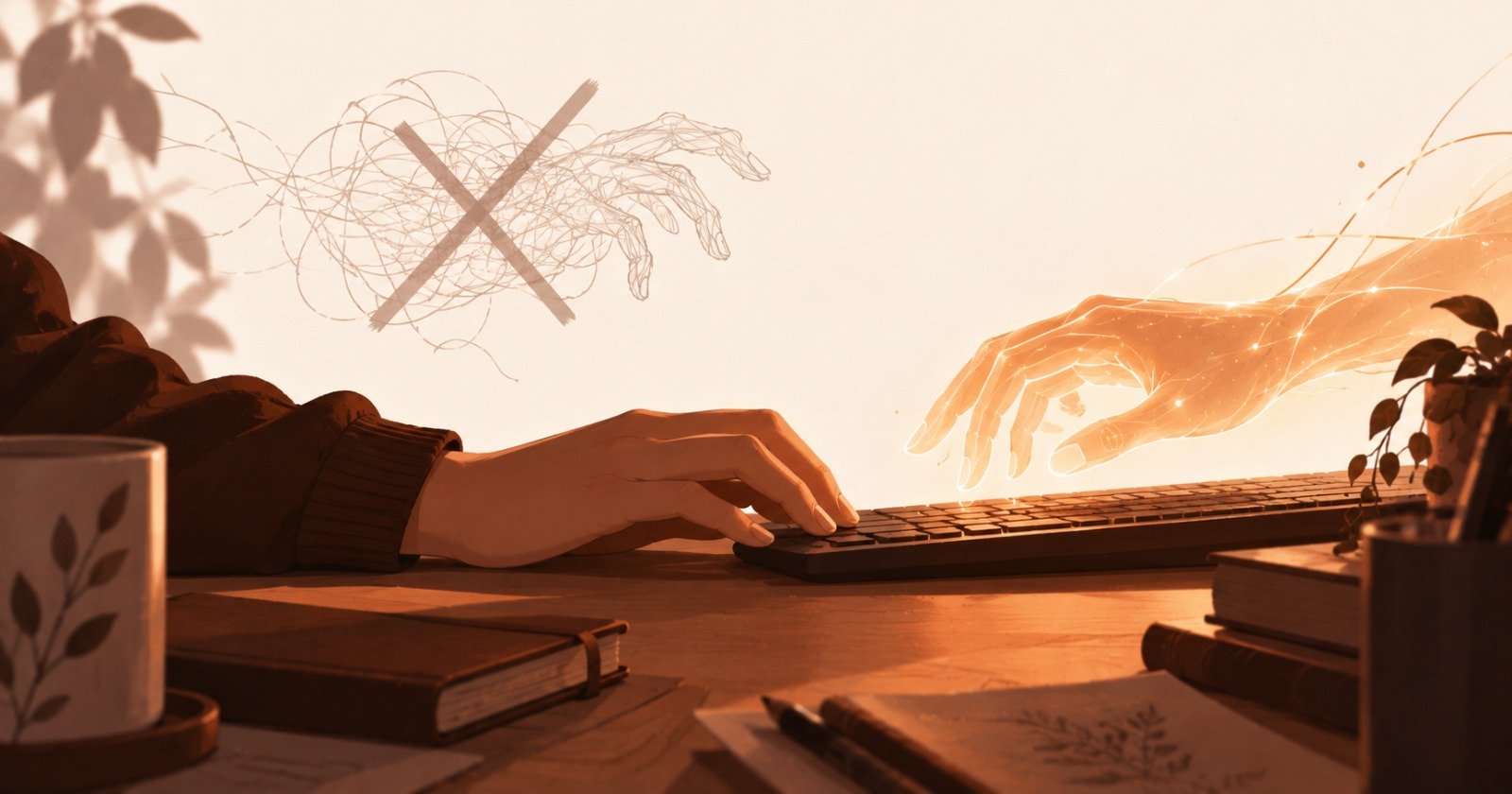
The first working version did the obvious thing: move the real system cursor, click where a click was needed, type into whatever had focus. It worked, right up until you tried to use your own computer at the same time Nia was using it. The AI's pointer was your pointer. Whatever it was doing, you were watching happen to your own mouse, unable to touch anything else until it finished.
An assistant that borrows your hands isn't an assistant you can work alongside.
So we gave it its own — and that broke your keyboard
The fix, starting July 4th, was to give the AI a completely separate input device: its own cursor, its own pointer and keyboard, isolated from yours at the OS level, rendered as a real on-screen overlay so you could still see what it was doing. In theory, you'd keep typing in one window while Nia clicked around in another, neither one interfering with the other.
In practice, an isolated input device sitting alongside your real one is not a small thing to get right, and it didn't stay isolated cleanly — it started interfering with real typing. A daemon meant to stay out of your way ended up in it. It was reverted within a day.
The fix was to stop clicking at all
The actual answer, landing July 5th, was to stop simulating a physical pointer for most actions in the first place. Instead of moving a cursor to coordinates and clicking, Nia could ask the accessibility layer directly for "the save button" and invoke it — no coordinates, no motion, no shared hardware to fight over. A screenshot-plus-OCR fallback covers the apps that don't expose that information cleanly.
Coordinate-based clicking didn't disappear — some things still need it — but it stopped being the default, and every mutating action after that point had to be gated behind actually reading the result first, not assuming it worked.
Then we had to do it again for Windows
Everything above was Linux. Windows has its own accessibility layer, its own quirks, and none of the Linux-specific work carried over. A full second plan started in late July: real UI Automation support, its own AI-only cursor overlay, and — the detail that mattered most after the first system's failure mode — explicit verification that the real cursor never moves during an automated action, not just an assumption that it wouldn't.
The proof that mattered wasn't that it worked. It was proof it couldn't do the old thing again.
What's left unsaid
There's a specific reason this took several real rewrites instead of one correct design up front: giving software direct control of input devices is a genuinely adversarial problem against your own operating system, not just an integration. We're not going to lay out exactly how the current version avoids the failure modes the earlier ones hit. What we will say is that it took getting it wrong twice, in two different ways, before it stopped touching things it shouldn't.