Hand it a bug,
not a prompt.
The coding side of Nia: an agentic assistant that reads your repo, runs commands under your approval, and keeps going on multi-file work — from your terminal or the desktop app.
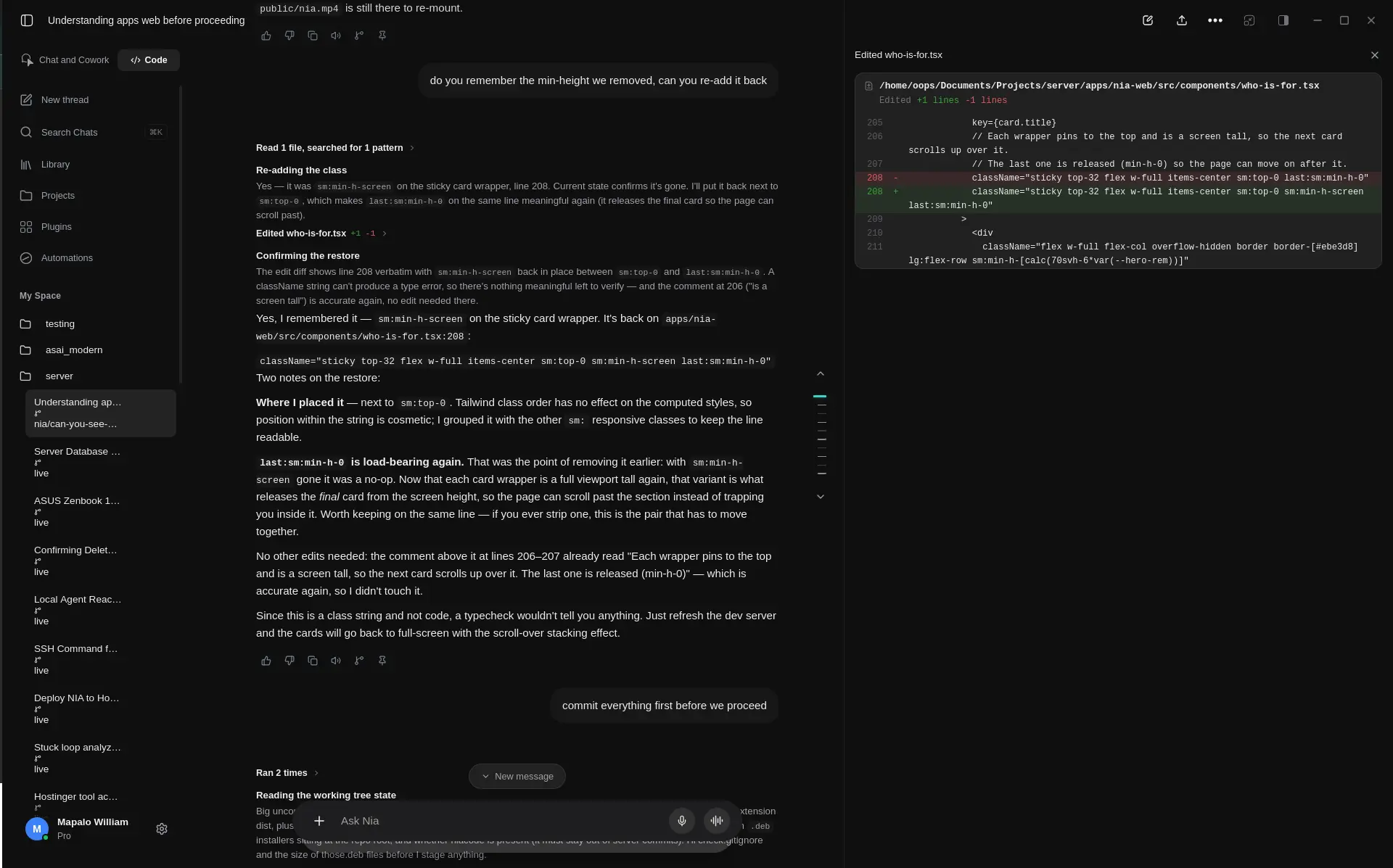
What Nia Code can take on
It plans first, asks when something's unclear, and keeps going on work that spans more than one file.
Codebase onboarding
Agentic codebase search
Nia Code maps a repo's structure and dependencies on its own — no manually selecting which files belong in context.
Remembers past sessions
Context carries across runs, so it doesn't relearn the same repo from scratch every time you open it.
Human-gated by default
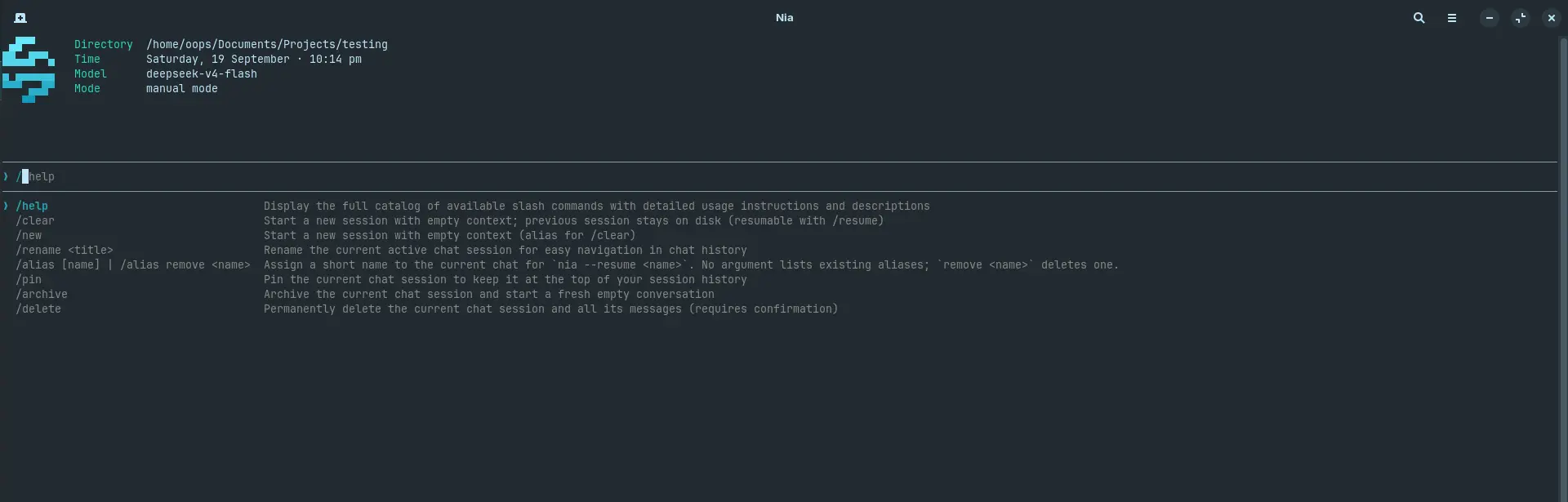
A three-tier trust model asks before anything destructive — reads and searches run freely, writes and shell commands wait for you.
Fix and ship
Reproduces before it edits
It reads the failing path first and confirms the bug, instead of guessing at a fix from the description alone.
Runs your own tests
Changes are checked against your existing test suite, not a generic linter pass.
Self-correcting
A failed attempt resets its retry budget on the next success, so one bad round doesn't derail the rest of the task.
Refactor and migrate
Follows imports across the repo
A migration doesn't stop at the first file — it keeps going wherever the change actually reaches.
Runs long, on its own
Multi-file jobs keep working in the background instead of needing a prompt for every step.
Concurrent tool calls
Independent edits and checks in a round run together rather than one at a time, so bigger jobs move faster.
The same agent, everywhere you work
Every surface talks to the same assistant and the same trust rules — pick whichever fits the moment.
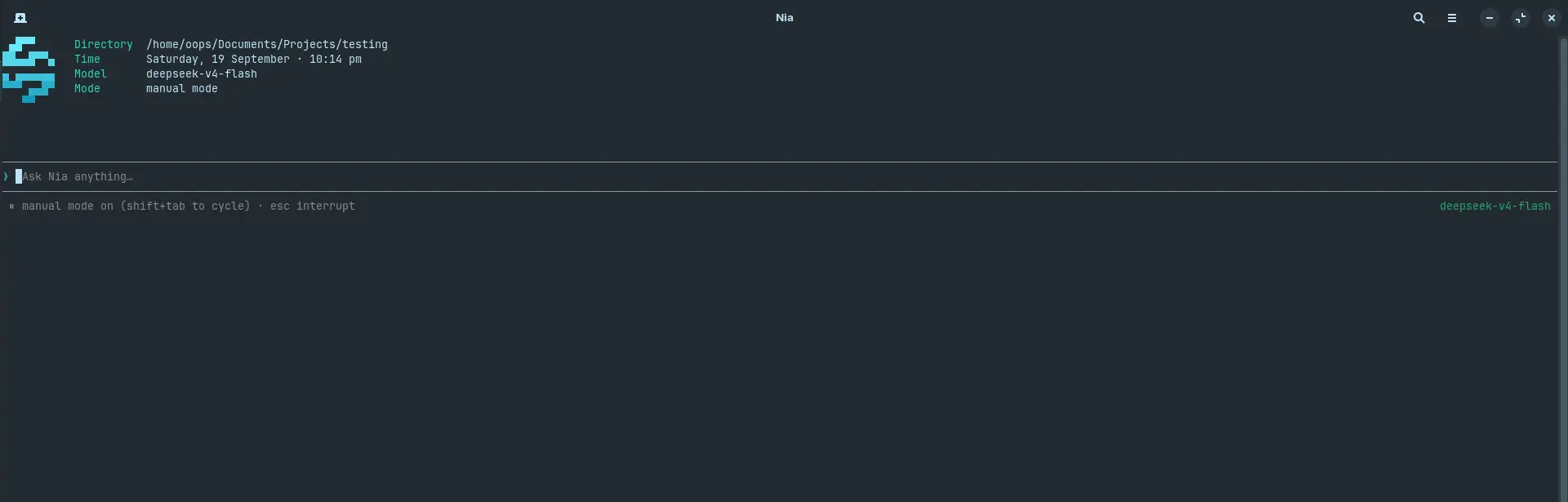
Start in your terminal
One install command. Works alongside your existing shell, git, and any MCP servers you've already connected.
Or the desktop app
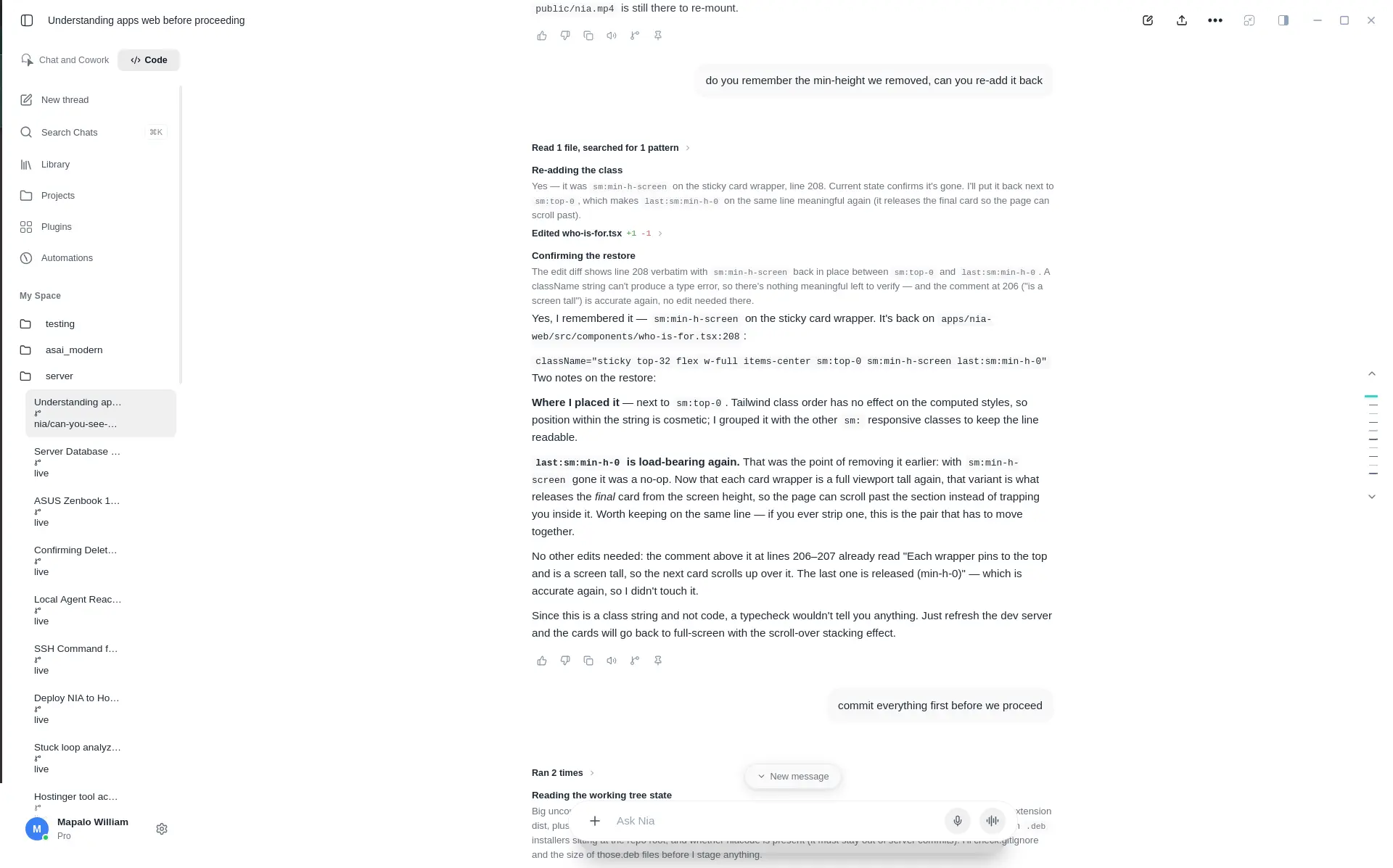
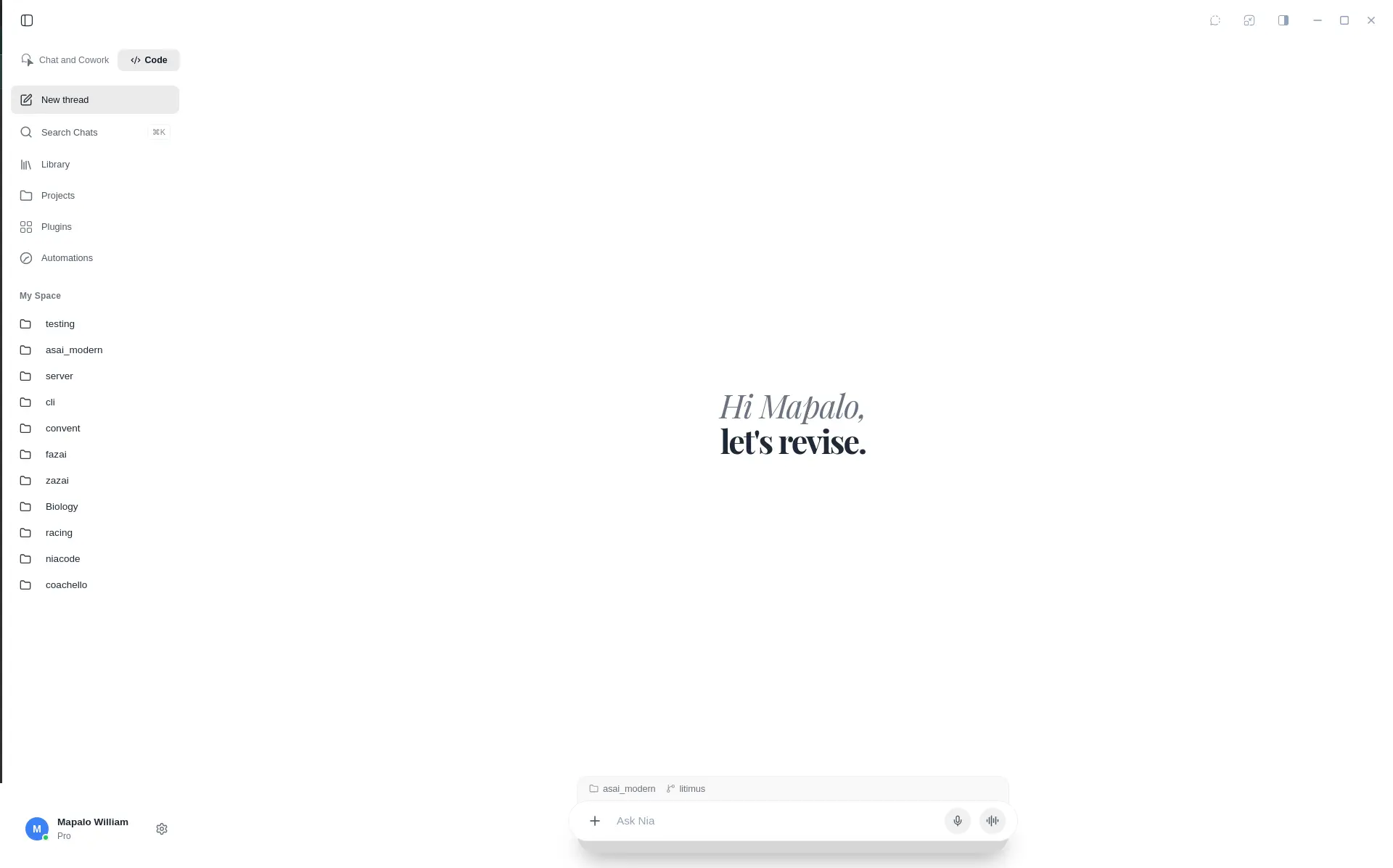
Code mode in the Nia desktop app: the same agent, in a window, with a numbered diff view for every change.
Bridge from your browser
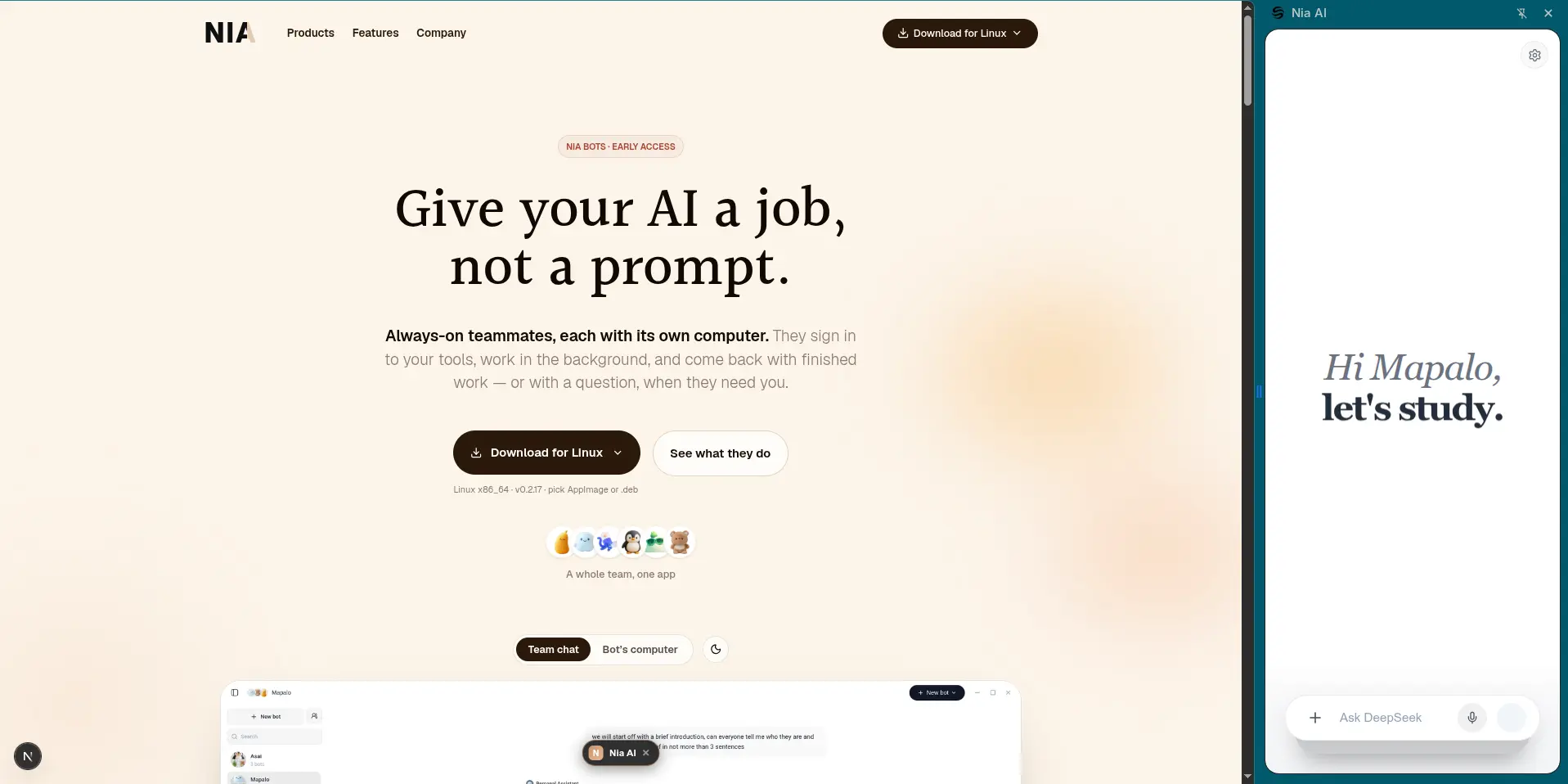
The Nia browser extension syncs the active tab straight into a running CLI session.
Nothing destructive without asking
The same three-tier trust model as the rest of Nia: reads and searches run freely, writes and shell commands stop for your approval first.
Questions, answered.
How do I get started with Nia Code?
Run the install script in your terminal, or grab the desktop app and open its Code mode. Both talk to the same assistant and the same trust rules.
What kind of tasks can it handle?
Bug fixes, small refactors, multi-file migrations, and codebase questions — anything you'd hand to a teammate who can read the repo and run commands for you.
Does it just run commands on its own?
No. Reads and searches happen freely; anything that writes to disk or runs a shell command pauses for your approval first, under the same trust model as the rest of Nia.
What are the system requirements?
The CLI is tested on Linux and macOS, with a native Windows build available too. The desktop app ships for Windows and Linux.
Does it work with the Nia desktop app?
Yes — the desktop app's Code mode is the same coding agent as the CLI, in a windowed interface with a numbered diff view instead of a terminal.
Where does it run?
On your own hardware by default, the same as the rest of Nia. Model inference can run locally or route to a configured provider — nothing is hardcoded to send your code anywhere.